
YouTube thumbnail maker, free and without sign-up
Bold, readable thumbnails at 1280 × 720, plus channel art at 2560 × 1440.
- Free
- No sign-up
- No watermark
- Bangla ready
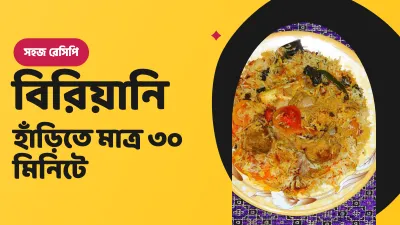
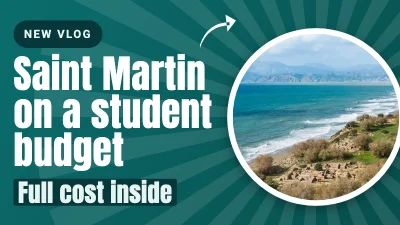
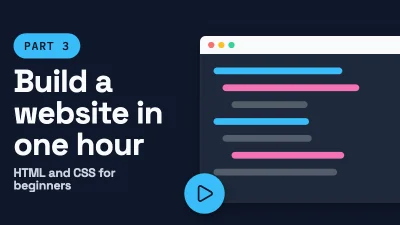
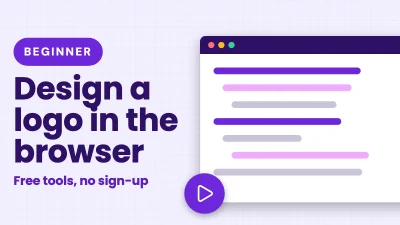
A thumbnail is judged at the size of a postage stamp, next to a dozen others. Big faces, few words and strong contrast win. The editor gives you outline, shadow and glow text effects so a short title stays readable on any background.
Bangla channels get the same tools: bold Bangla fonts, correct conjuncts, and effects that do not break the letters.
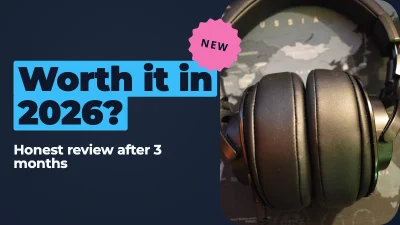
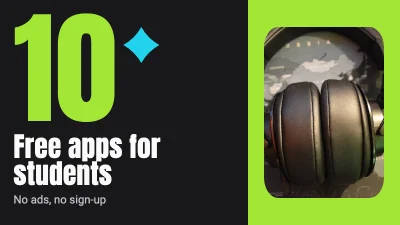
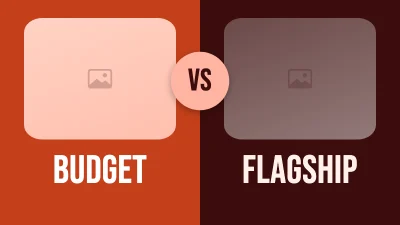
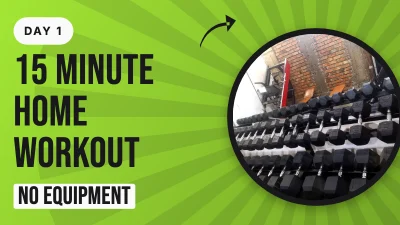
How to make it
- Open the 1280 × 720 thumbnail size.
- Add a photo, then 2–5 words of text with an outline or shadow.
- Export as JPG (it stays well under YouTube's 2 MB limit) and upload it in YouTube Studio.
Tips that make a difference
- Zoom the canvas out to about 20% to see how the thumbnail looks in a list.
- Avoid the bottom-right corner: YouTube puts the video length there.
- Do not repeat the video title word for word; the thumbnail and title should add to each other.
- Channel art: keep logos and text inside the central 1546 × 423 area so it shows on every device.
Frequently asked questions
What is the right YouTube thumbnail size?
1280 × 720 px (16:9), under 2 MB, as JPG, PNG or GIF. The preset is ready in the editor.
Can I write the thumbnail in Bangla?
Yes. Bold Bangla fonts are included, and text effects such as outline and shadow keep conjuncts intact.
Can I remove the background from my photo?
Not in this version. An in-browser background remover is planned; until then, use a photo with a plain background or a cut-out PNG.
Ready? The editor opens at the right size.
Make your YouTube thumbnail nowOther things you can make
Poster
Print-size posters for events, shops, coaching centres and campaigns — in Bangla, English or both.
Flyer
Small print pieces that people hold in their hand: A5, A4 and US Letter, front and back.
Invitation card
Birthday, aqiqah, milad mahfil, shop opening, reunion: print it at 5 × 7 in or send it on WhatsApp.