
Instagram post maker, free and in your browser
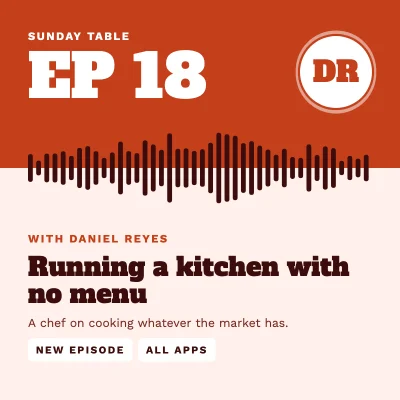
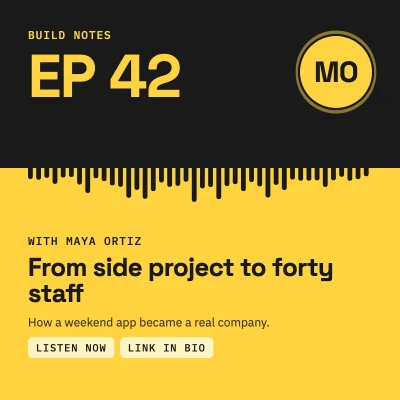
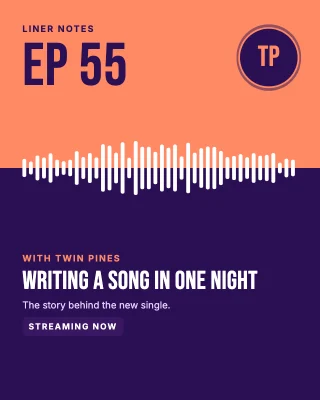
Square and 4:5 portrait posts, carousel slides with a consistent look, ready to upload from your phone.
- Free
- No sign-up
- No watermark
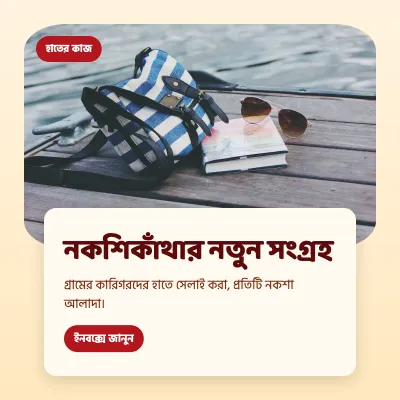
- Bangla ready
Instagram crops the grid preview to a near-square, but shows 4:5 portrait posts at full height in the feed. The editor gives you both sizes and lets you add several pages, which is how you build a carousel: one page per slide, same fonts and colours throughout.
Everything runs in your browser. Your photos are not uploaded to any server; they stay on your device while you design.

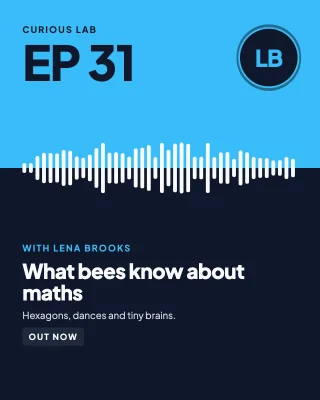
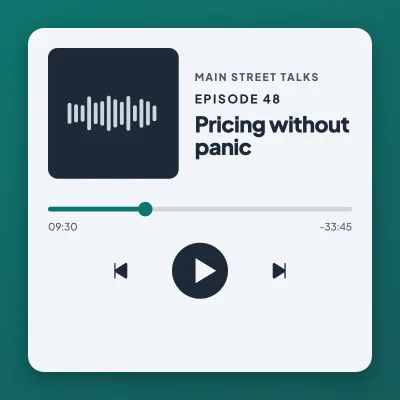
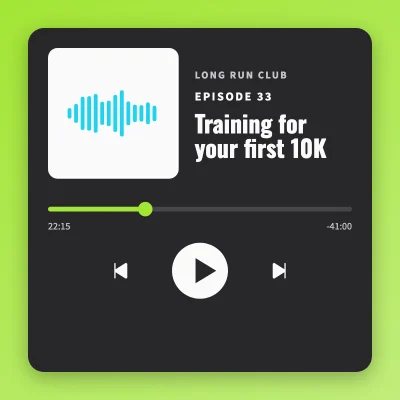
How to make it
- Choose square (1080 × 1080) or portrait (1080 × 1350).
- Add pages for a carousel, then duplicate a finished page to keep the layout identical.
- Export all pages as images and upload them in order.
Tips that make a difference
- Keep important text away from the outer edges: the profile grid shows a cropped preview.
- For carousels, put a small arrow or "swipe" hint on the first slide.
- Two fonts are usually enough: one for headings, one for body text.
Frequently asked questions
Which size should I use for Instagram?
1080 × 1350 px (4:5) gives the most feed space. 1080 × 1080 px is the classic square. Both are presets in the editor.
Can I make a carousel?
Yes. Add multiple pages to one design and export them all; each page becomes one slide.
Is it really free?
Yes. There is no paid plan, no locked template and no watermark.
Ready? The editor opens at the right size.
Make your Instagram post now