
Instagram story maker for vertical 9:16 designs
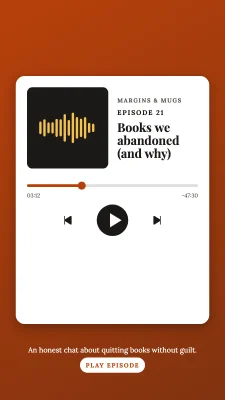
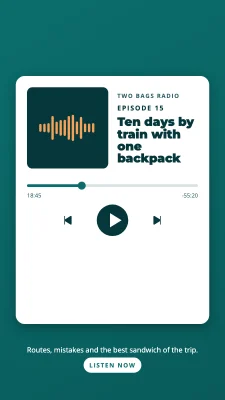
One size works for Instagram stories, Facebook stories and WhatsApp status: 1080 × 1920.
- Free
- No sign-up
- No watermark
- Bangla ready
Stories fill the whole phone screen, but the app draws its own buttons over the top and bottom. A story design works when the main message sits in the middle band and nothing important hides under the profile name or the reply box.
The editor is built to work on phones too: drag with one finger, pinch to zoom, and pick fonts from a bottom sheet.


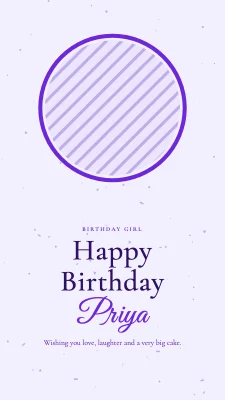
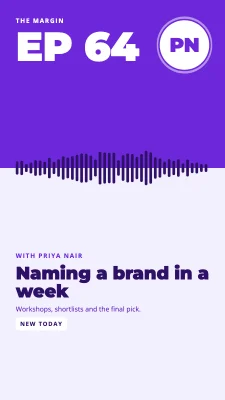
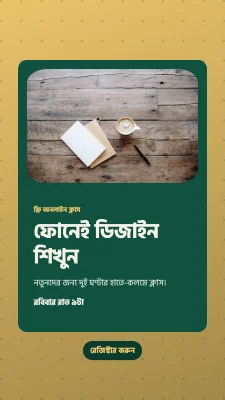
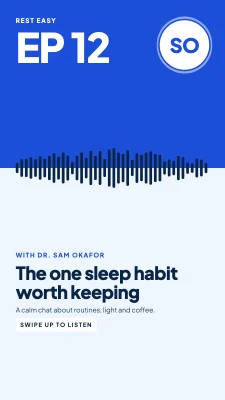
How to make it
- Start a 9:16 story (1080 × 1920).
- Place your text and photo in the middle area, leaving space at the top and bottom.
- Download as PNG or JPG and add it to your story or WhatsApp status.
Tips that make a difference
- Leave about 250 px clear at the top and bottom for the app's own buttons.
- Large text (60 px or more at this size) stays readable on small phones.
- If you plan to add a link sticker in the app, leave an empty spot for it.
Frequently asked questions
What is the size of an Instagram story?
1080 × 1920 px, a 9:16 ratio. The same size works for Facebook stories and WhatsApp status.
Can I make a story on my phone?
Yes. The editor runs in mobile browsers with touch gestures; a bigger screen just makes detailed work easier.
Can I add music or animation?
Not yet. Stories are exported as still images for now; animation is planned for a later version.
Ready? The editor opens at the right size.
Make your story now