
Free online video maker
Turn text, shapes and photos into a short animated video and download it as an MP4 — right in your browser.
- Free
- No sign-up
- No watermark
- Bangla ready
Most short videos on social media are really animated designs: a headline that slides in, a photo that fades up, a call to action at the end. ShobFree Art builds exactly that. Pick a 16:9 or 9:16 size, add pages like scenes, give each element an entrance, and the editor plays it back as a video.
Everything runs on your device. The video is encoded in your browser and nothing is uploaded, so you can work on a launch before anyone else sees it. Videos have no sound track yet — add music later in your phone’s video app if you need it.
Templates
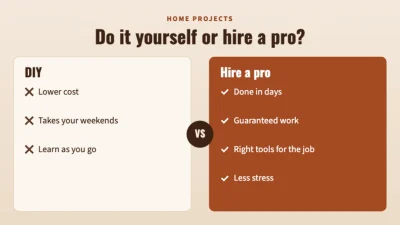
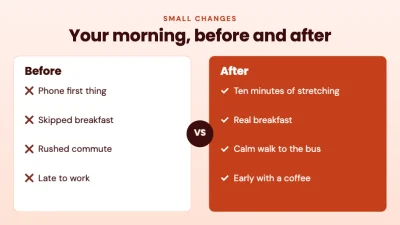
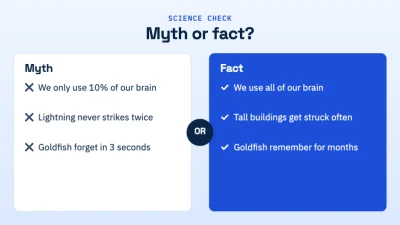
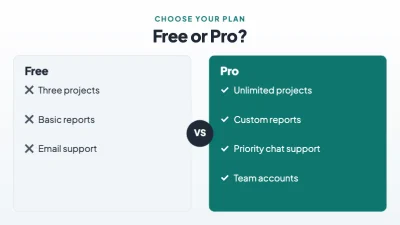

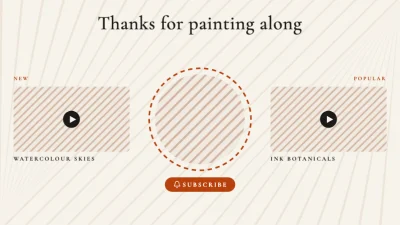
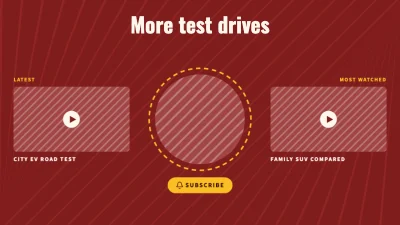
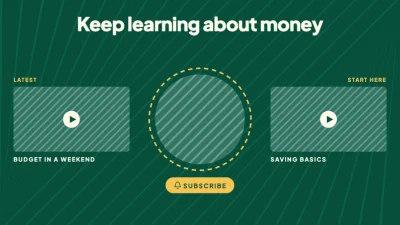
How to make it
- Choose a landscape (1920 × 1080) or vertical (1080 × 1920) video, or start from an animated template.
- Select an element and open Animate: pick how it enters, an optional loop and how it leaves. Set each page’s length and transition.
- Press Preview to watch it, then Download → Video or GIF and choose MP4, WebM or GIF and the resolution.
Tips that make a difference
- Keep each scene between 3 and 8 seconds and show one idea per page.
- Let the headline arrive first, then the photo, then the details — a staggered reveal is easier to follow.
- Use the vertical size for Reels, TikTok and Shorts, and the landscape size for YouTube and slides.
- Check the estimated file size in the download dialog; 1080p MP4 is a good default for social media.
Frequently asked questions
Which formats can I download?
MP4 (H.264), WebM and animated GIF. You can pick the resolution from 480p up to 4K for video, and the frame rate.
Does the video have sound?
Not yet. Exports are silent. You can add music or a voice-over afterwards in any video app.
Is there a watermark or time limit?
No watermark. Each page can last up to a minute, and a video can have many pages.
Are my videos uploaded anywhere?
No. The design and the video are made in your browser and saved only on your device.
Ready? The editor opens at the right size.
Make your video nowOther things you can make
Reel
Design a vertical video that moves — tips, product drops, recipes and teasers — and save it as an MP4 for Reels, TikTok and Shorts.
GIF
Make a looping GIF from your own design — a sticker, a reaction, an animated banner — and see the file size before you download.
Animated post
Give your next post a little motion — text that slides in, a badge that pops — and share it as a short video or GIF.