
Flyer maker for handouts, leaflets and offers
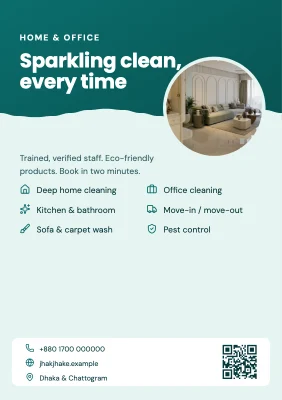
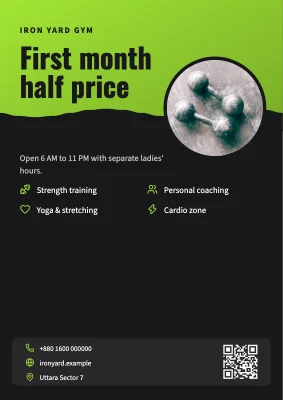
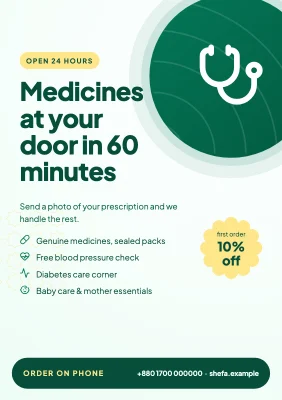
Small print pieces that people hold in their hand: A5, A4 and US Letter, front and back.
- Free
- No sign-up
- No watermark
- Bangla ready
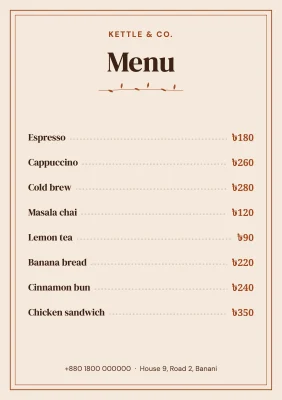
A flyer has a few seconds to say what it is, why it matters and what to do next. Use the front for the offer and the back for details such as a price list, a map description or opening hours. Each side is simply a page in the same design.
The same file can go to a press as a PDF and to WhatsApp groups as a JPG, so you design once.
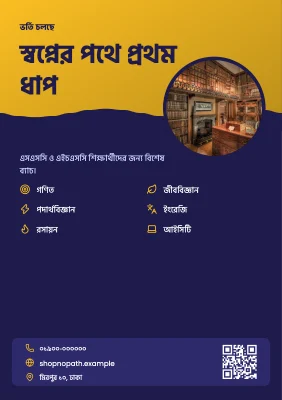
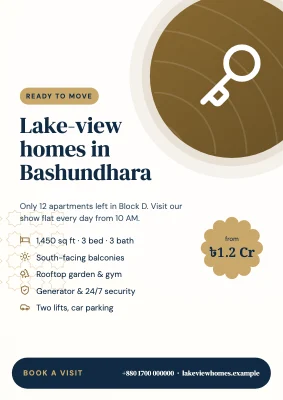
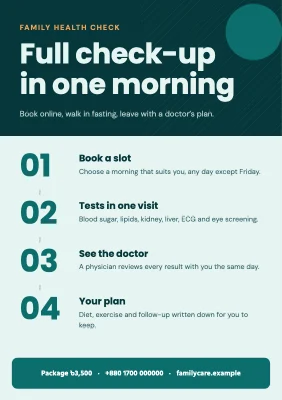
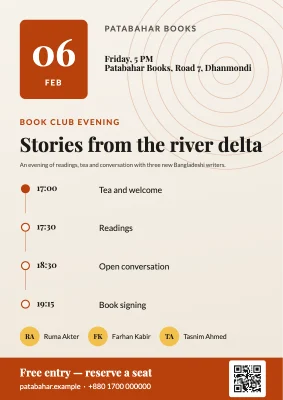
How to make it
- Choose A5 (the common handout size), A4 or US Letter.
- Design the front, then add a second page for the back.
- Export a print PDF for the press and a JPG for sharing on messaging apps.
Tips that make a difference
- One offer per flyer. If you have five offers, make the best one big and list the rest.
- Put contact details where they are easy to photograph: a phone number, a QR code or both.
- Keep text at least 5 mm from the trim edge so the cutter does not clip it.
Frequently asked questions
What size is a standard flyer?
A5 (148 × 210 mm) is the most common handout size in Bangladesh and Europe; US Letter (8.5 × 11 in) in North America. Both are presets.
Can I make a two-sided flyer?
Yes. Add a second page; the PDF export keeps pages in order for double-sided printing.
Can I add a QR code?
Yes. The QR code element turns a link or phone number into a scannable code inside your design.
Ready? The editor opens at the right size.
Make your flyer nowOther things you can make
Invitation card
Birthday, aqiqah, milad mahfil, shop opening, reunion: print it at 5 × 7 in or send it on WhatsApp.
Wedding card
Elegant bilingual wedding cards, printed or digital, with names set beautifully in Bangla.
Business card
Front and back, the two standard sizes, 300 dpi, bleed and crop marks — ready for any local press.