
Free animated post maker
Give your next post a little motion — text that slides in, a badge that pops — and share it as a short video or GIF.
- Free
- No sign-up
- No watermark
- Bangla ready
An animated post stands out in a feed full of still images, yet it is made just like a normal design. Use the square or 4:5 post size, lay out your offer or message, then animate the parts in order: headline first, then the photo, then the price and the button.
Download it as an MP4 to post as a video, or as a GIF for places that do not play video. The still thumbnail of every animated template shows the finished layout, so what you see in the gallery is what people see when the animation settles.
Templates
 Award News Announcement AnimationAnimated
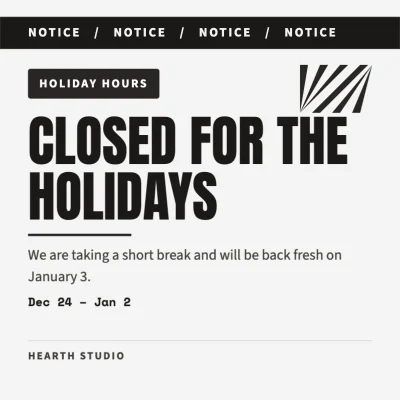 Holiday Closure Notice AnimationAnimated
 Partnership News Animated PostAnimated
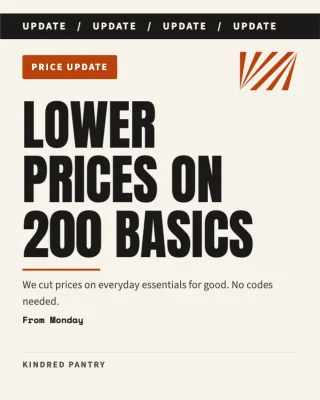 Price Update Announcement PostAnimated
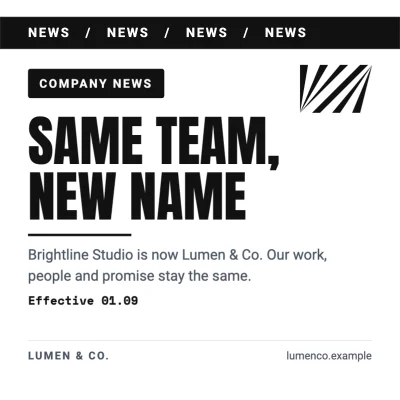 Rebrand News Ticker AnimationAnimated
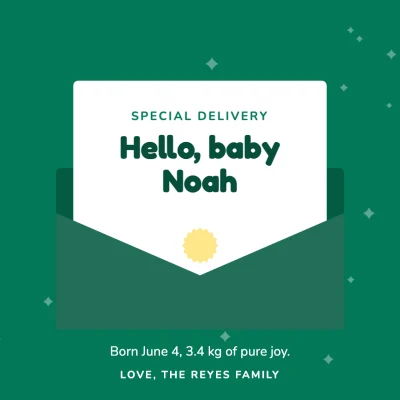 Baby Announcement Envelope AnimationAnimated
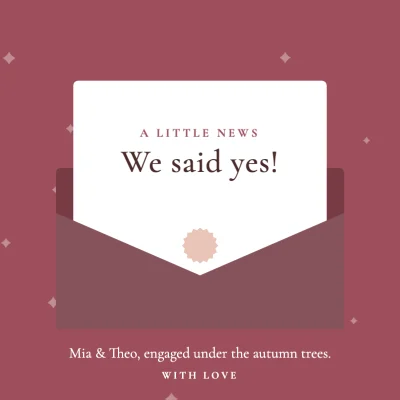 Letter Reveal Announcement AnimationAnimated
 Graduation News Letter AnimationAnimated
How to make it
- Pick a square (1080 × 1080) or portrait (1080 × 1350) post, or open an animated post template.
- Edit the words, colours and photo, then use Animate → page styles to animate everything in one click, or set each element yourself.
- Preview, then download an MP4 or GIF and post it on Instagram, Facebook or LinkedIn.
Tips that make a difference
- Five to eight seconds is enough for a post; make sure the final frame works as a still image too.
- Use one loop effect at most, on the thing you want people to tap — like the price or the button.
- Typewriter suits short lines; longer sentences read better with a fade or rise.
- Portrait 4:5 takes more space in the feed than square.
Frequently asked questions
Can I post it as a normal Instagram post?
Yes. Upload the MP4 as a post (Instagram shows it as a video) or as a Reel.
Can I turn any template into an animated post?
Yes. Open any design, select elements and choose animations, or apply a page style to the whole page.
Does it cost anything?
No. Animation, video and GIF export are free like everything else, with no watermark.
Does it work on my phone?
Yes. Animate and Preview open as bottom sheets on phones; exporting long videos is faster on a computer.
Ready? The editor opens at the right size.
Make your animated post nowOther things you can make
Logo animation
Bring your logo to life in a few seconds — a short reveal for the start or end of your videos.
Display ad
Make banner ads in every standard size from one idea — a clear offer, your brand and one button.
Mind map
Plan an idea, a process or a team on one page — boxes, arrows and notes you can move around freely.