Banner maker for websites, covers and sales
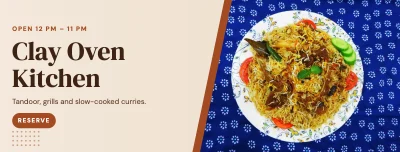
Wide formats done right: website banners, social covers and discount announcements.
- Free
- No sign-up
- No watermark
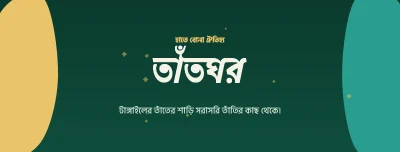
- Bangla ready
Wide banners are tricky because different screens crop them differently. Each banner preset here matches the platform's recommended size, and the advice below tells you where the safe area is.
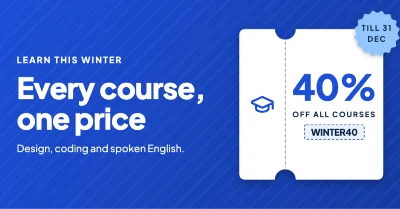
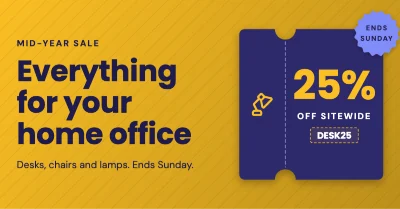
For shops, a sale banner works best with three things only: the discount, the deadline and where to buy.
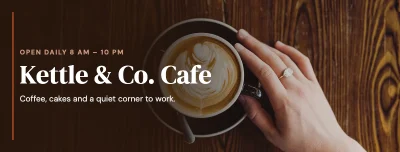
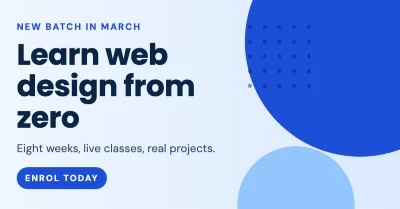
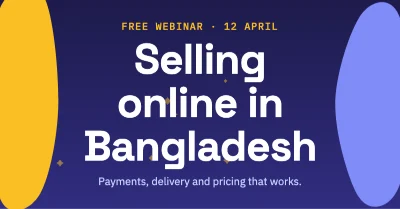
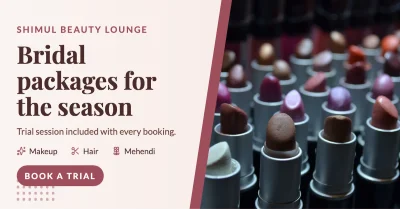
How to make it
- Choose web banner (1200 × 628), Facebook cover, LinkedIn banner, X header or YouTube channel art.
- Keep the key message in the centre third of the banner.
- Download PNG for sharp text, or JPG when the banner is mostly a photo.
Tips that make a difference
- LinkedIn and X place your profile photo over the lower-left part of the banner; keep it clear.
- 1200 × 628 is also the size most sites use for link previews.
- Write the sale end date, not "limited time".
Frequently asked questions
What banner sizes are included?
Web banner 1200 × 628, Facebook cover 1640 × 624, LinkedIn 1584 × 396, X header 1500 × 500 and YouTube channel art 2560 × 1440 px.
Can I print a large banner?
Yes. Set a custom size in millimetres or inches and export a PDF. Ask your press what resolution they need for large formats.
Can I make animated banners?
Not yet. Animated GIF and video export are planned for a later version.
Ready? The editor opens at the right size.
Make your banner now