
Business card maker with print-ready PDF
Front and back, the two standard sizes, 300 dpi, bleed and crop marks — ready for any local press.
- Free
- No sign-up
- No watermark
- Bangla ready
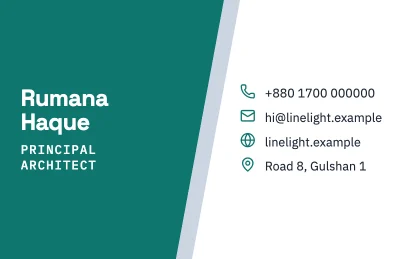
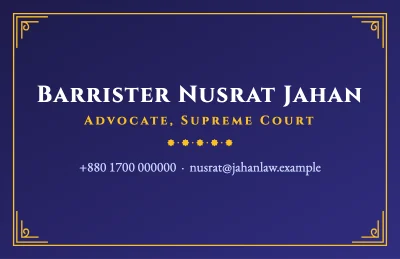
Business cards are small, so every millimetre counts. The editor shows the card at its real proportions, and the PDF export can add 3 mm bleed and crop marks, which is what most presses ask for.
Use the back for a QR code that opens your website, WhatsApp chat or location, so people do not have to type anything.

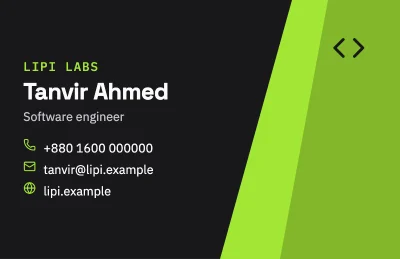
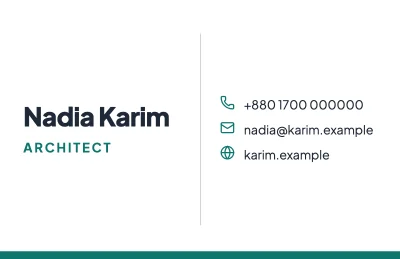
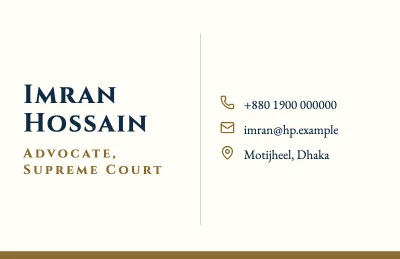
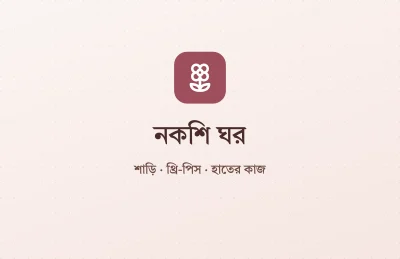

How to make it
- Choose 85 × 55 mm (common in Bangladesh and Europe) or 89 × 51 mm (3.5 × 2 in, US).
- Design the front with name, title and contact; add a second page for the back.
- Export a PDF with bleed and crop marks and send it to your press.
Tips that make a difference
- Keep text at least 4 mm inside the edge; cutting machines can drift by a millimetre or two.
- Text smaller than about 7 pt is hard to read once printed.
- Test your QR code with two different phones before printing.
Frequently asked questions
What is the standard business card size?
85 × 55 mm is common in Bangladesh and Europe; 3.5 × 2 in (89 × 51 mm) in the US. Both are presets at 300 dpi.
Does the PDF include bleed?
You can add bleed (for example 3 mm) and crop marks when exporting a PDF.
Can I add a QR code?
Yes. Add the QR element and paste a link, phone number or text.
Ready? The editor opens at the right size.
Make your business card nowOther things you can make
CV / Resume
A clear, well-spaced CV on A4 or Letter. Your personal details never leave your browser.
Certificate
Appreciation, participation, completion or merit: a dignified A4 certificate in Bangla or English.
Quote card
A line worth sharing, set in a good font on a calm background, sized for posts and stories.